On Thursday, November 19th, Google opened up Chrome OS to the world. Currently there are no official downloads, however, Tom On Tech has downloaded and compiled the source and produced a Virtual Disk file for use with either VMWare or VirtualBox (personal preference for Chrome OS).
If you’d like to try out Chromium OS*, click here to download. (766.8MB download – use right-click Save Link As to save the file)
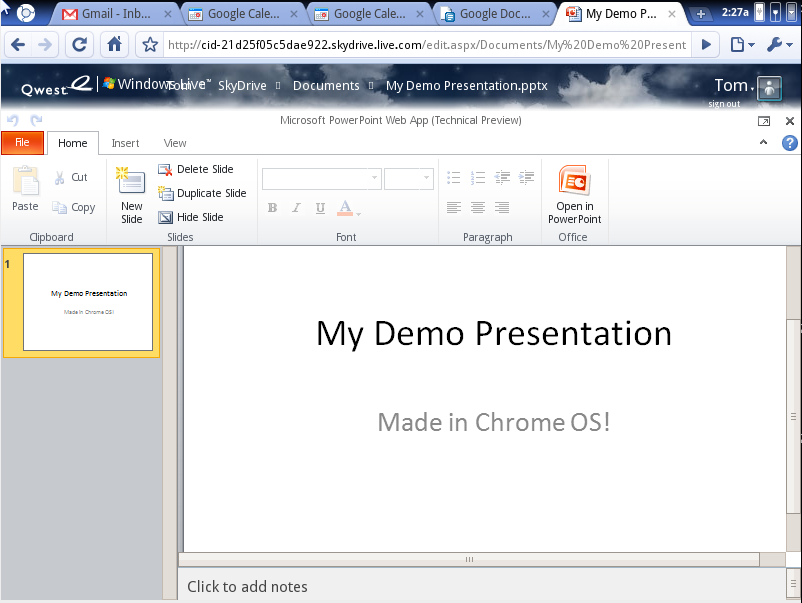
A review will posted soon, but for now, here are some early screenshots from Chrome OS for your enjoyment.
*Official builds are called Chrome OS, unofficial or dev builds are called Chromium OS.


 Tom on Tech